 Black Deal 50% off the first year with annual billing – only until December 31, 2026.
How the DATEV Accounting System in Germany Works and What Freelancers Need to Know
Your tax advisor mentions DATEV in passing, and suddenly you’re not sure what you’re supposed to do about it. Do you need to sign up? Buy something? Or is this entirely their problem? If you’re trying to understand the DATEV accounting system in Germany as a freelancer, you’re asking exactly the right question. Germany’s dominant accounting infrastructure has been around since 1966, and yet many freelancers who interact with it report genuine confusion about what it actually is or how it fits into their workflow. This isn’t as complicated as it sounds, but there are real trade-offs to understand before you decide how to manage your books.
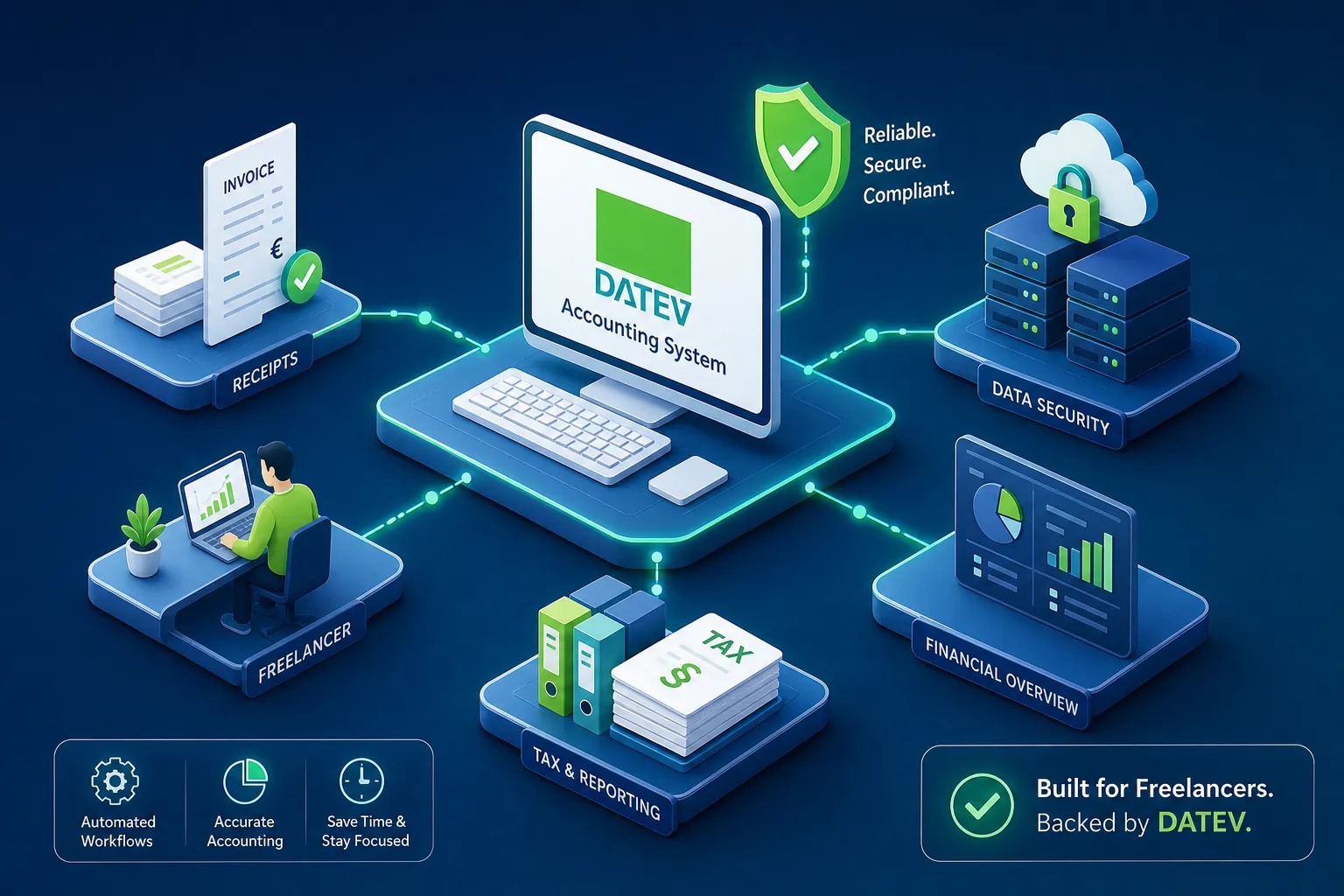
The short version: the system was built for Steuerberater practices, not for self-employed people doing their own accounting. That shapes everything about how it works, who can access it, and what it costs. By the end of this article, you’ll know exactly where DATEV belongs in your setup, where it creates friction, and what alternatives like KontoVexa offer for freelancers who want to stay compliant without depending on professional accounting infrastructure.
What DATEV actually is and who it’s built for
DATEV eG is a registered cooperative, founded in 1966, with membership made up almost entirely of German tax advisors, auditors, and legal professionals. That cooperative structure is not a footnote. It determines how the software is licensed, who can access it, and how it gets priced. As a rule, you don’t just sign up on a website. Tax firms become DATEV members, pay a membership contribution, and then license the applications their clients need. If you’re a freelancer, you typically interact with the system indirectly, through your Steuerberater, not as a direct customer.
The product portfolio is modular. At the core of the accounting side is DATEV Rechnungswesen, which handles double-entry bookkeeping, VAT reconciliation, and general ledger management. DATEV Unternehmen online is the collaboration layer: the cloud-based portal where a business uploads invoices, receipts, and bank data that the advisor then processes on their end. DATEV LODAS and Lohn und Gehalt handle payroll. Each module serves a specific purpose, and most freelancers only ever encounter Unternehmen online, if they encounter the platform at all.
The Steuerberater is the primary user. They run Kanzlei-Rechnungswesen, process your documents, submit VAT returns, and file your annual tax declarations. You’re the client feeding data in. You’re not the person operating the accounting engine, and understanding that distinction is what helps you decide whether this system belongs in your workflow at all.
How the DATEV accounting system in Germany handles compliance
DATEV Rechnungswesen is built around Germany’s standard charts of accounts, SKR03 and SKR04. It handles accounts receivable and payable, bank reconciliation, and VAT advance returns. For tax advisors managing dozens of clients under German statutory requirements, it is deeply reliable and auditor-ready. The system knows German tax codes, GoBD document retention rules, and the structures the Finanzamt expects. For a professional practice, it does exactly what it was designed to do.
For businesses with employees, DATEV LODAS and Lohn und Gehalt handle wage calculation, social insurance reporting, payslip generation, and payroll tax filings. These modules are tightly integrated with German regulatory requirements and updated with every change in contribution rates or tax law. For a freelancer without employees, this functionality is simply not relevant, though worth knowing about if your situation changes down the road.
One of the platform’s strongest advantages is its ELSTER integration. VAT advance returns, annual income tax declarations, and corporate filings can all be submitted digitally through the system, using the advisor’s ELSTER certificate. From bookkeeping all the way through to submission, everything stays within one environment. When you have a Steuerberater managing the full picture for you, that kind of end-to-end coverage has real value.
How freelancers actually interact with DATEV in practice
If your tax advisor uses the platform, they’ll likely set you up with DATEV Unternehmen online. This is where you upload invoices, photograph receipts, connect your bank account, and review outgoing payments. You don’t do the accounting yourself here. Think of Unternehmen online less as bookkeeping software and more as a secure document inbox for your advisor. You supply the raw material; they process it in DATEV Rechnungswesen on their end.
On the cost side, Unternehmen online runs around €11.56 per month excluding VAT in 2026, according to DATEV’s price list. Add Belege online for digital receipt management and you’re at roughly €15.39 net before optional extras (approx., as of 2026; check current prices with DATEV or your advisor). Your tax advisor’s actual bookkeeping fees, which vary considerably depending on volume and complexity, come on top of that. So using the platform as a freelancer isn’t particularly cheap once the full picture is on the table.
There’s also an authentication step worth knowing about. Accessing DATEV tools requires a validated method: SmartLogin, a SmartCard, or an mIDentity stick. This is an additional security setup that many other cloud tools handle with a password plus two-factor authentication. For a solo freelancer who just wants to log in and check their numbers at 10pm, it’s an initial step worth planning for before you’ve even started working.
How the DATEV accounting system in Germany affects freelancers
The platform was built so that a professional does the accounting for you. If you want to manage your own books, issue invoices, track expenses, and submit VAT returns without an advisor, the traditional setup is not the right tool. As a rule, the full accounting suite is licensed through DATEV members and works with professional credentials and a technical environment that an individual freelancer usually won’t have. That’s not a criticism; it’s an honest description of what the system was designed to do.
Working through Unternehmen online also creates a dependency. Your accounting workflow runs on your advisor’s timeline and setup. If you change advisors or want to bring bookkeeping in-house, extracting your data requires using DATEV’s export formats, such as DATEV-CSV or EXTF files, and mapping them into another system. It’s possible, but it takes some mapping work, and it’s worth thinking about before you’re deep into a multi-year relationship with a specific practice.
A freelancer doing EÜR-based accounting in Germany has genuinely simple bookkeeping needs: issue compliant invoices, log expenses, keep private and business costs separate, file quarterly VAT returns, and submit an annual Einnahmenüberschussrechnung. The platform’s architecture is built for the complexity of a full-service tax practice, not for a single-person business handling that job independently. The mismatch is real, and it’s why some freelancers find themselves paying for infrastructure they only partially use.
What freelancers and small business owners should actually use
If you already have a Steuerberater who uses the platform and you’re happy handing your documents to them, Unternehmen online is a reasonable collaboration tool. You upload, they process, and everything feeds into a compliant accounting system. This works well if you don’t want to touch the accounting yourself and your advisor’s fees fit your budget. There’s no reason to fight a setup that’s already working.
For freelancers who want to manage their own books, file VAT returns, and stay compliant without needing a tax advisor for every step, a dedicated cloud accounting tool built for self-employed people is a better fit. This is exactly the gap KontoVexa was designed to fill. From the Start plan, KontoVexa handles invoicing with all mandatory details and expense tracking with the correct VAT codes; from the Business plan, it adds SKR03 bookkeeping, the Anlage EÜR and direct ELSTER submission of the advance VAT return, the annual VAT return and the trade tax return, validated with ERiC. It also creates and receives e-invoices in ZUGFeRD and XRechnung formats, both structured e-invoice standards increasingly required for B2B invoicing in Germany as the phased 2025–2028 rollout continues. If your setup is straightforward, KontoVexa is designed to handle the core compliance cycle of a freelancer – invoices, VAT returns and EÜR – without requiring a professional accounting infrastructure behind it.
One feature worth flagging: KontoVexa is available in nine languages, including English, Turkish, Arabic, and Polish, while the official German tax terms stay visible. For freelancers in Germany who aren’t native German speakers, that removes a significant barrier to understanding their own accounting obligations. You can also switch between a simplified and the full view; after onboarding, the simplified mode shows only the features relevant to your business profile. And if your Steuerberater uses DATEV, KontoVexa gives them free tax-advisor access with its own role (Business plan and up), so they can review your data directly; reports can be exported as CSV or XLSX. KontoVexa does not offer a DATEV export. This keeps the advisor relationship intact without locking you into infrastructure you don’t control.
Navigating the transition if you’re moving away from DATEV
If you’re currently working through Unternehmen online and want to switch to a standalone cloud tool, the first step is exporting your historical data. Ask your tax advisor to generate a DATEV-format CSV or EXTF export of your bookings and document records. This is a widely used format that many accounting tools can import; KontoVexa does not import DATEV files. There you start with your master data, open items and fixed assets as of a cut-off date, and the export serves as your reference to reconstruct your opening balances. Don’t skip this step; having a clean opening balance in a new system saves a lot of reconciliation headaches later.
Before your first month goes live in a new system, get three things right: your chart of accounts (or the simplified equivalent your new tool uses), your VAT settings, and your ELSTER credentials. In KontoVexa (Business plan and up), the ELSTER certificate links directly to your account, letting you submit Umsatzsteuervoranmeldungen without leaving the platform. If you’re switching mid-year, running both systems in parallel for a quarter to cross-check totals is a practical safeguard worth considering.
For a freelancer with straightforward finances, switching tools and getting comfortable can take, for example, two to four weeks, though your actual timeline will depend on how much historical data you’re bringing over. The main work involves setting your opening balance, mapping recurring expense categories, and testing your first invoice and VAT run. A full DATEV setup usually involves your advisor and the authentication step described above; with a cloud-native tool you manage yourself, you can often get from signup to live on your own. You get access, configure your settings, and start working.
The honest conclusion
Germany’s dominant accounting cooperative is genuinely well-built for what it was designed to do: support Steuerberater practices managing complex client portfolios under German statutory requirements. The ELSTER integration is solid, the compliance coverage is thorough, and for a tax practice running dozens of mandates, it does exactly what it promises. But that’s a specific use case, and freelancers aren’t the primary user this system was built around.
Overall, the DATEV accounting system in Germany is designed for tax advisors rather than solo freelancers. If you work with an advisor who runs their practice on it, Unternehmen online is a functional document-sharing layer and there’s no reason to fight it. But if you want to own your own bookkeeping, issue compliant invoices in structured e-invoice formats, file your VAT returns, and stay on top of your EÜR without paying for infrastructure built for professional firms, a cloud-native tool built for self-employed people can be the better starting point. KontoVexa was built specifically to cover German compliance requirements in a way that makes sense for people running their business, not their advisor’s practice. If that describes your situation, it’s worth taking a closer look at what your bookkeeping looks like when the tool actually fits the job.
More about the matching KontoVexa feature: Self-employed
Step by step in the KontoVexa user manual: DATEV for freelancers
As of: October 2026. General information, not tax advice.