 Black Deal 50% off the first year with annual billing – only until December 31, 2026.
Top accounting software in Germany for freelancers and small businesses
Choosing accounting software in Germany is not like picking a project management app. Get it wrong and you’re not just inefficient, you’re non-compliant. German tax law requires GoBD-compliant recordkeeping, ELSTER-based filing, and since January 2025, the ability to receive structured e-invoices. Germany is now in a transition period for mandatory issuance, with full mandatory sending phases beginning from 2027. The wrong tool doesn’t just slow you down. It creates real legal exposure: penalties, audit risk, and potential tax reassessments that a compliant tool would have made avoidable.
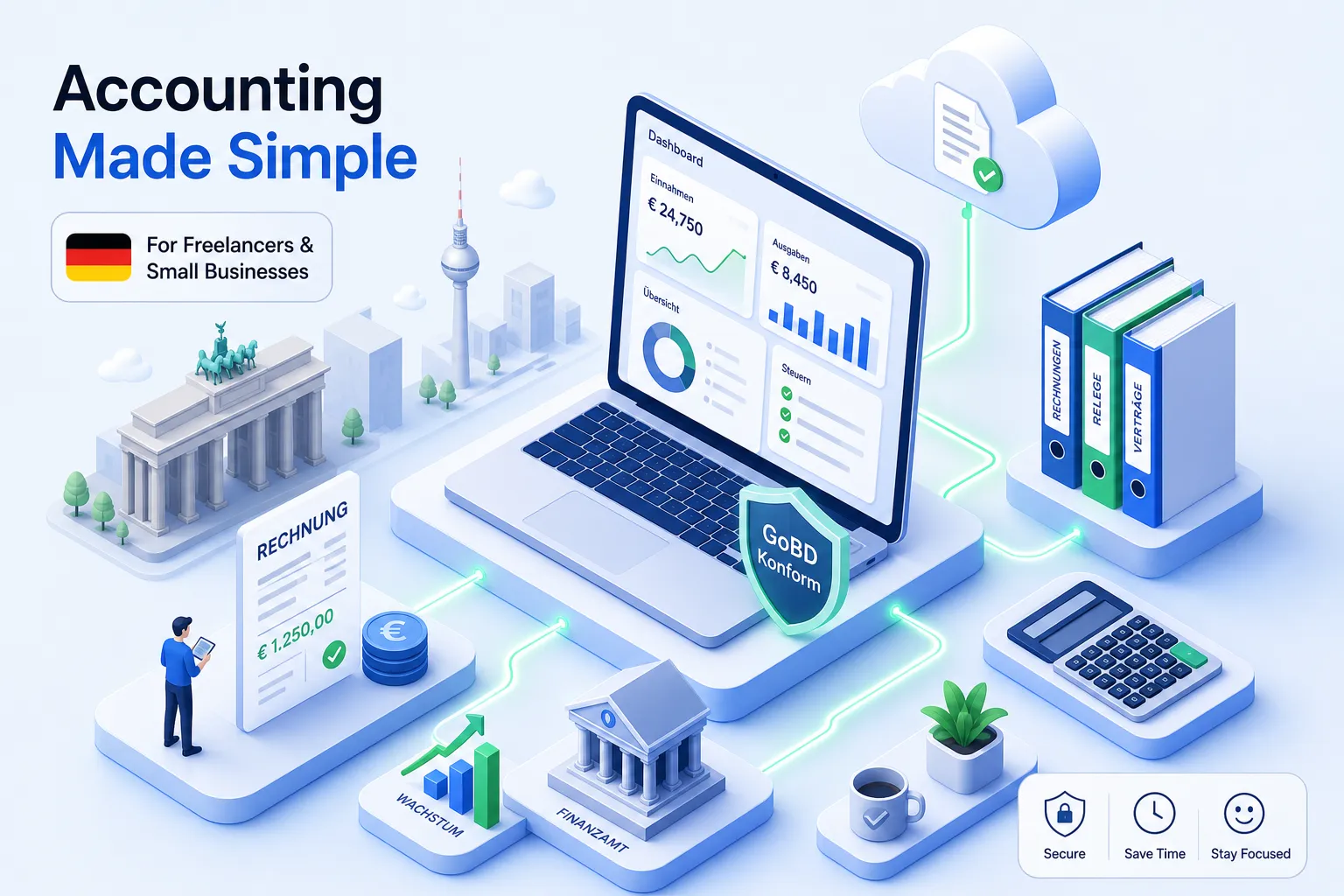
The market doesn’t make this easy. It ranges from DATEV’s deep professional ecosystem, built largely for tax advisors, to a growing set of cloud-native platforms targeting freelancers and small businesses directly. And layered on top of that: most accounting software Germany-based businesses rely on assumes you’re fluent in German tax terminology, Buchhaltungssoftware designed by and for native speakers. For the growing number of self-employed immigrants in Germany, that assumption is a genuine compliance risk, not just an inconvenience.
This article cuts through the noise. By the end, you’ll know which tools actually meet Germany’s compliance requirements in 2026, how they compare on price and usability, and what to do next. One platform worth putting on your shortlist is KontoVexa, a cloud accounting tool built specifically for freelancers and small businesses who need German compliance without the accounting degree.
What German compliance actually demands from your accounting tool
Before comparing any product, you need to understand what “compliance” actually means in practice. Most vendors use the word freely. Few tools deliver on all of it.
GoBD, ELSTER, and EÜR: the non-negotiable baseline
GoBD is the German tax authority’s framework for electronic bookkeeping. It requires immutable records (no silent edits or deletions after posting), a full audit trail showing who changed what and when, and GoBD-compliant archiving of receipts and documents for 10 years. Generic bookkeeping tools often fail here because they allow record edits without logging, or they don’t link documents to their corresponding bookings in a verifiable way.
EÜR, the Einnahmenüberschussrechnung, is the standard profit-and-loss method for most freelancers and sole traders. Any tool worth using should generate this automatically from your recorded transactions. ELSTER integration means the software submits your tax filings directly to the Finanzamt without you exporting a file and logging into a separate portal.
These three requirements are the floor. Everything else is a bonus.
The e-invoicing mandate and what it means for your business
Since January 2025, every German business must be able to receive structured e-invoices. The two main formats are XRechnung, a pure XML format primarily used for invoicing public-sector clients, and ZUGFeRD, a hybrid PDF with embedded XML used widely in B2B transactions. Both must conform to the European standard EN 16931 to be legally valid.
When a vendor’s pricing page says “supports e-invoicing,” that phrase can mean almost anything. What you need to verify is whether the tool can both issue and receive EN 16931-compliant structured files, not just generate a PDF with an invoice number on it. That distinction will matter more with each passing year as Germany moves toward full mandatory issuance from 2027.
Germany accounting software compared: how the leading tools stack up
Germany’s accounting software market has a clear structure once you strip away the marketing. One dominant professional platform, two leading direct-to-SME cloud tools, and a growing set of specialized or multilingual alternatives.
DATEV: powerful, but built for tax advisors
According to market analyses, DATEV holds roughly 47% of the German market, a figure broadly consistent with the company’s own reported customer base among tax professionals, but that number is misleading for small businesses doing their own books. That dominance is driven by Steuerberater who choose the software on behalf of their clients. For freelancers managing their own accounting, DATEV’s modular pricing often starts at around €25 per month per module and can reach €100 to €500 or more per month when modules, hosting, and accountant fees stack up (approx., as of 2026, check with the provider). DATEV is designed for professional users; without professional support, expect a steep learning curve.
If you already work with a tax advisor who operates within the DATEV ecosystem, that’s a strong reason to stay connected to it. But if you’re doing your own bookkeeping, DATEV is usually not the most practical starting point.
Lexware Office and sevDesk: the SME-facing cloud options
Lexware Office and sevDesk are two of the leading cloud options for small businesses handling their own accounting. According to the providers’ published prices (as of September 2026, net), Lexware Office costs €7.90 to €32.90 per month and sevDesk €9.90 to €30.90 per month. With both, the entry tiers don’t include every function, so check which tier includes bookkeeping with EÜR, the advance VAT return and ELSTER transmission. According to the providers, both support GoBD archiving, bank connections for major German banks, and DATEV-compatible exports for handing data to a tax advisor.
The main difference with both platforms is audience: they are designed primarily for German-speaking users. According to sevDesk, its interface can also be switched to English; for Lexware Office we found information on English invoices and documents, but not on an English interface (as of October 2026). For neither did we find information about contextual explanations of tax concepts like Vorsteuer, Umsatzsteuer-Voranmeldung, and EÜR in other languages. For freelancers who didn’t grow up with these concepts in German, that’s a real problem.
Where most tools leave non-German speakers behind
Germany has a large and growing population of self-employed immigrants, many of whom are legally required to file VAT returns, maintain GoBD-compliant records, and navigate the same compliance landscape as any German-born Einzelunternehmer. Many tools are built mainly with German speakers in mind. The interface might have an English translation, but the German tax concepts underneath often remain unexplained, untranslated in context, and easy to misapply.
Compliance risk doesn’t care what language you’re most comfortable in. An incorrectly filed VAT return submitted in good faith through a poorly understood interface carries the same consequences as one filed carelessly.
KontoVexa in practice: a walkthrough for German-compliant accounting
KontoVexa was built for exactly this gap: German compliance, without the assumption that you already know German accounting terminology or have an accountant walking you through it.
Starting in simplified mode: see only what you need
In KontoVexa you can switch between a simplified and the full view at any time. After onboarding, the simplified mode shows only the functions relevant to your business profile. A freelancer, for example, sees invoicing, expense capture, and tax filing front and center, while the full view with all functions stays one click away rather than cluttering the main view. The design philosophy keeps accounting jargon out of the critical path: you don’t need to know what a Buchungskreis is to create your first compliant invoice.
The interface is available in nine languages, including English, Turkish, Arabic, and Polish. Beyond a translated menu, the official German tax terms stay visible, and the help button on each screen opens the manual page for that screen in whichever language you’re using, explaining the German tax concepts behind the workflow in plain language.
Creating and sending a ZUGFeRD or XRechnung invoice: step by step
Creating a legally compliant e-invoice in KontoVexa follows a clear sequence. You enter the client’s details, add line items with the correct VAT rate, and select the output format: ZUGFeRD PDF plus embedded XML for B2B transactions, or XRechnung for public-sector clients. Before the invoice is issued, KontoVexa checks the structured file against the official EN 16931 rules, so formatting errors don’t reach your client, and it guides you through all required legal fields, the Pflichtangaben.
This matters because “generating an e-invoice” and “generating a valid e-invoice” are not the same thing. A file that fails EN 16931 validation can be rejected by the recipient’s system, and in a B2G context, that means your invoice isn’t processed at all.
Filing VAT and EÜR via ELSTER without leaving the platform
From the Business plan, the ELSTER integration works directly from your recorded transactions. You review your Umsatzsteuer-Voranmeldung, check for errors using the built-in ERiC validation, and submit using your ELSTER certificate without leaving the platform, no export, no separate portal login, no manual re-entry of figures you already have in your books. The same workflow applies to your annual Anlage EÜR. For anyone who has previously filed through Mein ELSTER manually, the time saved is significant and the error risk drops considerably.
Pricing compared: what you pay and what you actually get
The pricing structure across German accounting platforms follows a predictable pattern: compliance features are often locked behind higher tiers, and the entry price rarely reflects what a freelancer actually needs.
Entry-level vs. full bookkeeping: where the tiers really differ
At Lexware Office (€7.90 to €32.90 per month) and sevDesk (€9.90 to €30.90 per month), the entry tiers cover only part of the functions; full bookkeeping with EÜR and VAT returns is part of the higher tiers (as of September 2026, net; check the exact tier contents with the provider). DATEV, for a professional setup, can push well past €100 per month once modules and accountant services are included.
KontoVexa’s published pricing has three plans (net, plus 19% VAT): Start at €9.90 per month covers invoicing, e-invoicing (create and receive), and GoBD-compliant archiving; Business at €22.90 adds SKR03 bookkeeping, Anlage EÜR, the advance VAT return and direct ELSTER submission; Pro at €32.90 adds rule-based automatic bank matching and priority support. For freelancers who need the full compliance stack, Business is the plan to compare, and knowing that upfront avoids the gradual tier creep that can catch users off guard.
Hidden costs that catch businesses off guard
The number on the pricing page is rarely the full story. Watch for DATEV export fees, per-user charges when you add a tax advisor’s access, capped receipt storage on entry tiers, and the significant cost of switching tools mid-year if you discover compliance gaps. Before committing to any platform, ask four questions directly: Does this plan include ELSTER submission? Is GoBD-compliant archiving included at this price, or is it an add-on? Can I both create and receive XRechnung at this tier? And are there per-user fees if my tax advisor needs access?
If a vendor can’t answer all four clearly, that hesitation tells you something. Move on.
Migrating to a new tool and getting set up without the headache
The most common reason businesses stay on a non-compliant tool longer than they should is the fear of migration. The transition is manageable when you approach it correctly.
How to migrate your existing data cleanly
Start by exporting your current records in a machine-readable format, for example CSV or DATEV format, from your existing tool. Before switching, reconcile open invoices, outstanding VAT periods, and your current bank balance. GoBD compliance means the audit trail must remain intact. KontoVexa does not offer a one-click migration of old data from another program: you start with your master data, open items, and fixed assets as of a cut-off date, and import bank statements (CAMT, MT940, or CSV) from that date, while the historical record stays in the old system. The safest approach: run both systems in parallel for one complete VAT period, reconcile the outputs, and only then decommission the old platform.
Keep the old system accessible for the full retention period. GoBD requires that historical records remain readable and retrievable for 10 years. Exporting everything and cancelling immediately creates a compliance gap.
Onboarding tips for non-German speakers
Multilingual support in accounting software Germany expats and immigrants actually need goes far beyond a translated interface. Specifically, the German tax concepts embedded in every workflow should be explained in your language, in context, as you use the tool. When you’re filling in a VAT return, you need to understand what Vorsteuer means and why it’s separate from Umsatzsteuer, a translated button label doesn’t help with that.
Look for tools that explain EÜR, Vorsteuer, and ELSTER in plain language within the app itself, not buried in a German-language help center article. KontoVexa’s interface is available in nine languages, the official German terms stay visible, and the help button on each screen opens the matching manual page in your language. That approach helps non-German speakers avoid compliance errors far more effectively than a translated menu alone, and it means you can handle your own bookkeeping without paying a Steuerberater to explain basic concepts.
Making your decision: a clear framework for choosing Germany accounting software
Any accounting software worth choosing in Germany in 2026 must handle GoBD, ELSTER, EÜR, and the e-invoicing mandate. Those are legal requirements. On top of that, if you’re not a German tax specialist, the tool should also make those workflows navigable without requiring fluent German or a professional advisor by your side, that’s a usability requirement, but one that has direct compliance consequences when it’s missing. When you filter by both criteria, the shortlist gets short quickly.
DATEV is the right choice if you already work with a Steuerberater who manages your books and wants deep advisor integration. Lexware Office and sevDesk are solid options for German-fluent freelancers and small business owners comfortable navigating German tax terminology on their own. If you need compliance, e-invoicing, a simplified interface, and the ability to work in your language without piecing together a stack, KontoVexa is worth testing first.
Try KontoVexa free for 30 days and run through the ELSTER and XRechnung workflow yourself. That’s enough time to see whether the tool fits the way you work, and a far better way to decide than a pricing comparison alone.
More about the matching KontoVexa feature: Self-employed
Step by step in the KontoVexa user manual: Top accounting software
As of: October 2026. General information, not tax advice.