Deadlines and obligations
All tax returns of the coming months with due date, status and estimated amount, as a list or a calendar.
Available in the plans: Business Pro
Under Deadlines and obligations you see which tax returns are due when and how far along each one is. KontoVexa derives the obligations from your settings and postings; you do not have to create them. The list runs from three months back to a little over a year ahead.
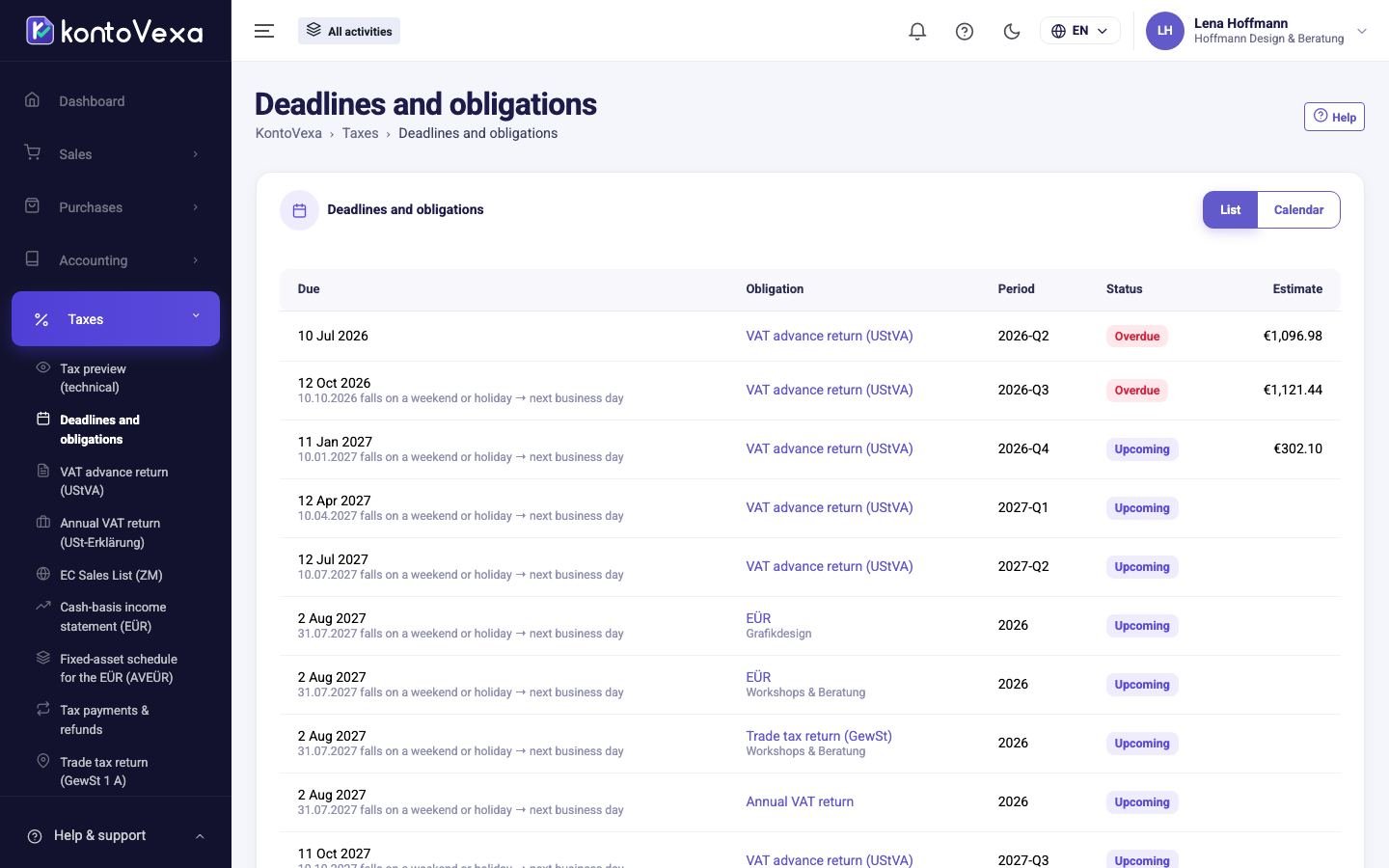
See the next deadlines
- The List view shows all obligations sorted by due date, with Obligation, Period, Status and Estimate.
- Click the name of an obligation, for example VAT advance return (UStVA). The return opens; for the Anlage EÜR and trade tax, for the activity shown.
- Calendar switches to the month view. Use the arrows to move between months; each obligation sits on its due date.
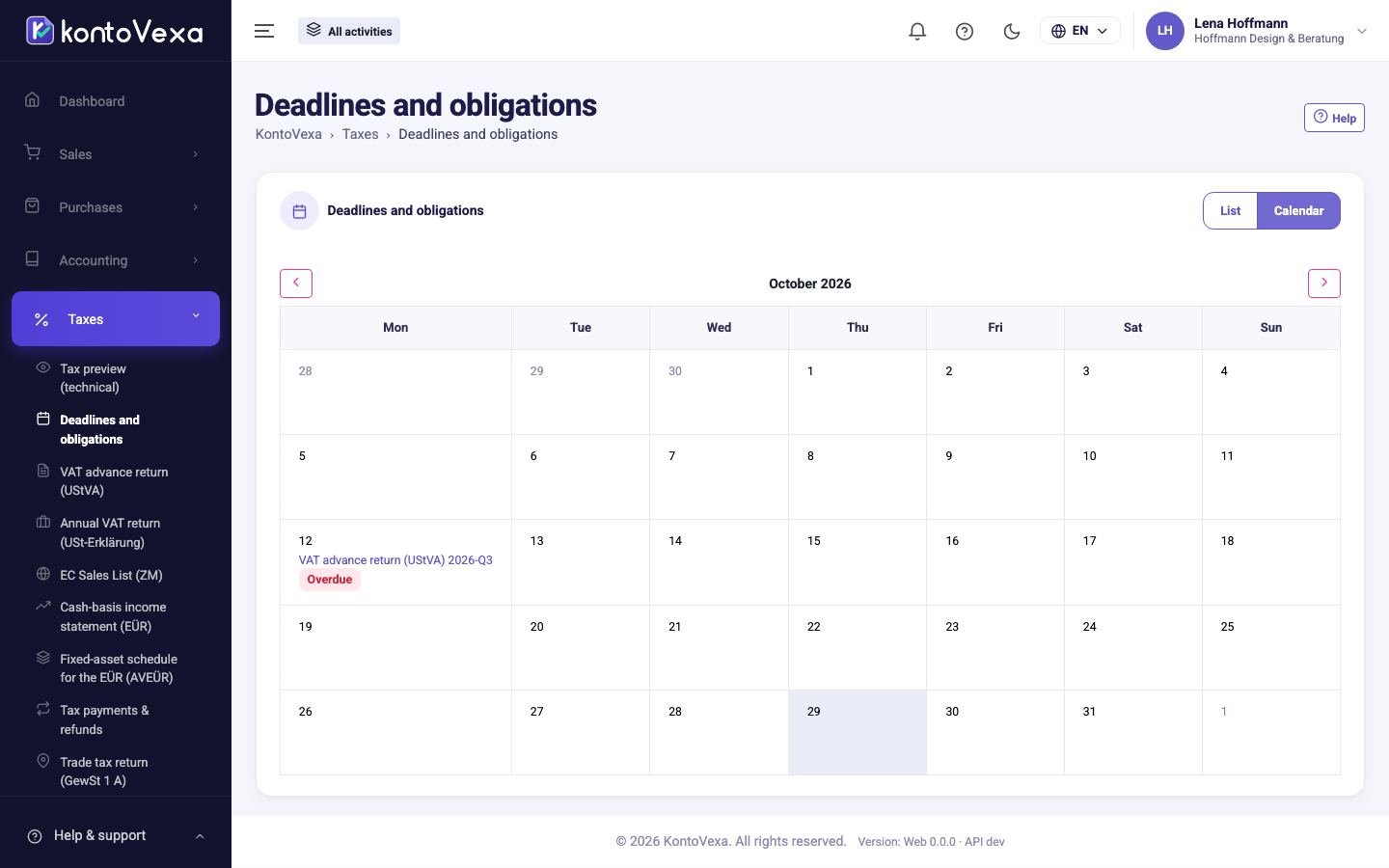
If a date carries a note such as "falls on a weekend or public holiday → next working day", KontoVexa has moved the deadline. It uses the public holidays of the federal state (Bundesland) of your tax office.
Which obligations appear
| Obligation | When it appears | Deadline |
|---|---|---|
| VAT advance return (UStVA) | For every month or quarter according to your VAT profile. As a Kleinunternehmer only for quarters with amounts that small businesses report too (e.g. § 13b UStG). | 10th of the following month; with Dauerfristverlängerung one month later |
| EC Sales List (ZM) | Per quarter with intra-EU sales to businesses. | 25th day after the end of the quarter |
| Annual VAT return | For every year with a VAT profile. | 31 July of the following year |
| EÜR | Per activity and year in which the activity was active. The Anlage AVEÜR follows this deadline. | 31 July of the following year |
| Trade tax return (GewSt) | Per activity of the type trade (Gewerbe) and year. | 31 July of the following year |
| Trade tax prepayment | For the tax liabilities from the trade tax assessment that you recorded under Tax payments and refunds. | 15 Feb, 15 May, 15 Aug, 15 Nov |
Statuses
| Status | Meaning |
|---|---|
| Upcoming | The deadline is more than seven days away. |
| Due soon | The deadline ends in seven days or less. |
| Overdue | The deadline has passed and the return is not finalised. |
| Finalized | The return is finalised, but the filing is not recorded yet. |
| Filed | The filing is recorded. |
| Outdated | The postings differ from the finalised version. |
The status changes only through what you do in the return (finalise, record the filing, correct) and through the date. VAT return (UStVA) describes how.
Good to know
- For the VAT return, Estimate is the expected result from today's postings; after finalising, the amount of the last version. For prepayments it is the amount you entered. KontoVexa shows no estimate for the annual returns.
- KontoVexa can remind you before deadlines; you find the reminders under Notifications.
- If an expected obligation is missing, check the return period and Dauerfristverlängerung under Taxpayer and the type and dates of your activities under Business activities.
- If you have access to some activities only, you see only their Anlage EÜR and trade tax, not the obligations of the whole business such as the VAT return, ZM and annual VAT return.
Simplified mode
In the simplified mode the screen is called Deadlines and returns and shows the same obligations as a to-do list, grouped into Overdue, Next 30 days, Later and Already filed. Each row has a button for the next step:
- Review and close the period opens the return while it is not finalised.
- After finalising, the step depends on who files the returns according to your profile: See how to fill it in ELSTER (you yourself), Send to the tax advisor (your tax adviser receives the PDF and the list of postings as CSV by e-mail) or I already filed in ELSTER.
- View receipt shows the transmission protocol of a filed return; Create corrected version creates the correction when postings differ.