Exchange rates
Look up the official exchange rates for foreign currencies and record your own rate if needed.
Under Exchange rates you see which rates KontoVexa uses to convert foreign-currency amounts into euros. KontoVexa itself provides the daily rates of the European Central Bank (ECB) and the monthly VAT conversion rates of the German Federal Ministry of Finance (BMF). If a rate is missing, you can record your own.
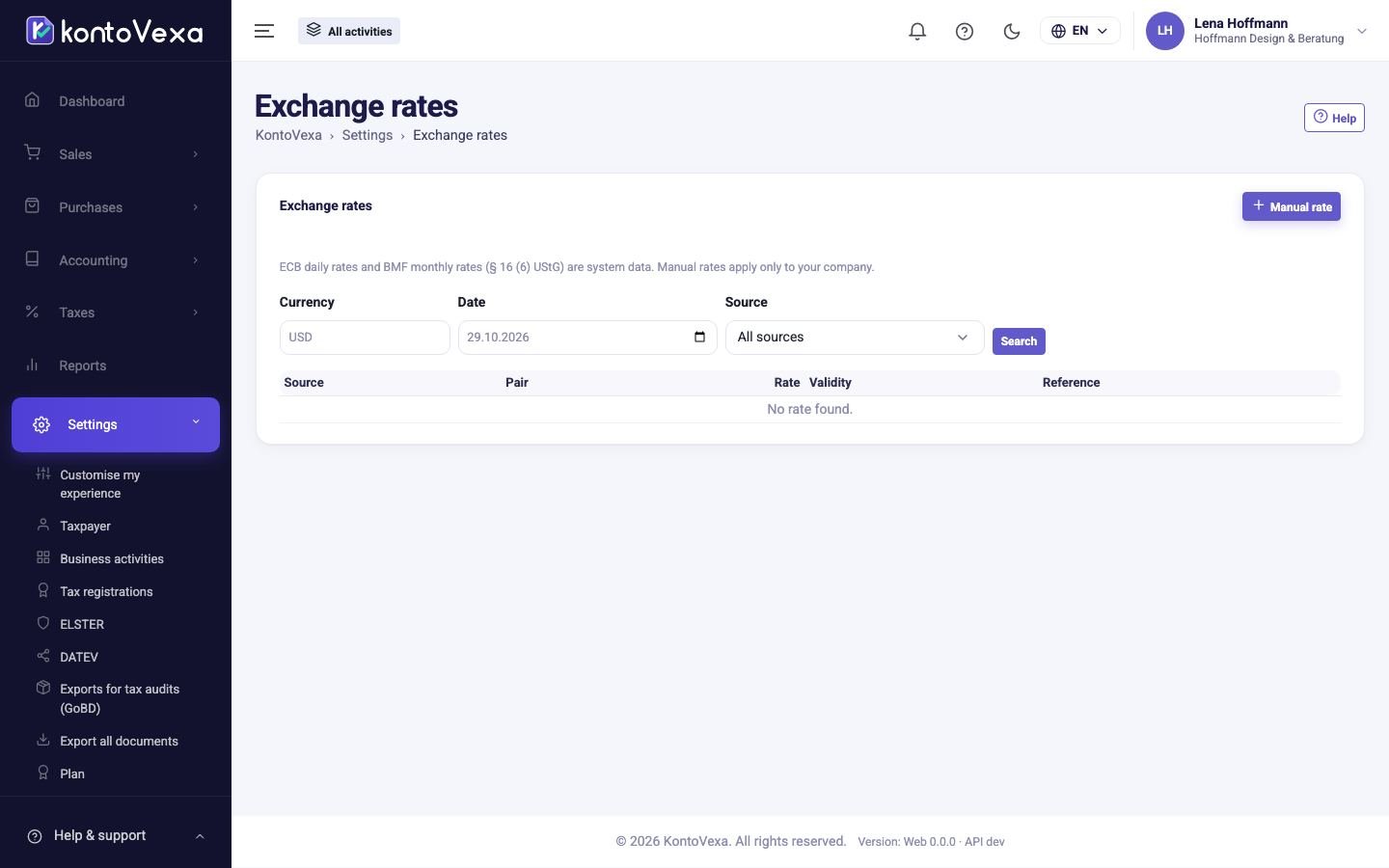
Look up a rate
- Choose the Currency, for example USD.
- Enter the Date.
- Choose the Source if needed: BMF monthly rate, ECB daily rate or Manual.
- Click Search.
The table shows the Rate as "1 EUR = … foreign currency" with all decimals, the Validity (one day or a whole month) and the Reference, that is where the rate comes from. Rates marked system are system data and apply to all businesses.
Record a manual rate
- Click Manual rate.
- Choose the Currency and enter the rate, that is how many units of the foreign currency equal one euro.
- Enter Valid from and, if needed, Valid until.
- Under Reference, enter where the rate comes from, for example the bank statement.
- Click Save.
A manual rate applies only to your business. It cannot be changed or deleted afterwards, so check it before saving.
Which rate is used
For VAT, KontoVexa uses the rate that matches your business's conversion method. You set the method under Taxpayer. Without the tax office's approval, it is the BMF monthly rate of the month relevant for tax. KontoVexa only uses a manual rate if there is no official rate for that day. If there is no rate at all, an invoice in a foreign currency cannot be issued yet.
Good to know
- ECB rates arrive every banking day in the afternoon. On weekends and public holidays the last published rate applies.
- You cannot change system rates.
- Only users who manage tax settings can record a manual rate.